

Warranty Support
Support for your monitor, handled with clear steps.
BabyAura warranty support is designed to help customers organize product details, describe monitor issues clearly, and contact the right support path for baby monitors, parent units, nursery cameras, charging cords, holders, cases, and accessories.
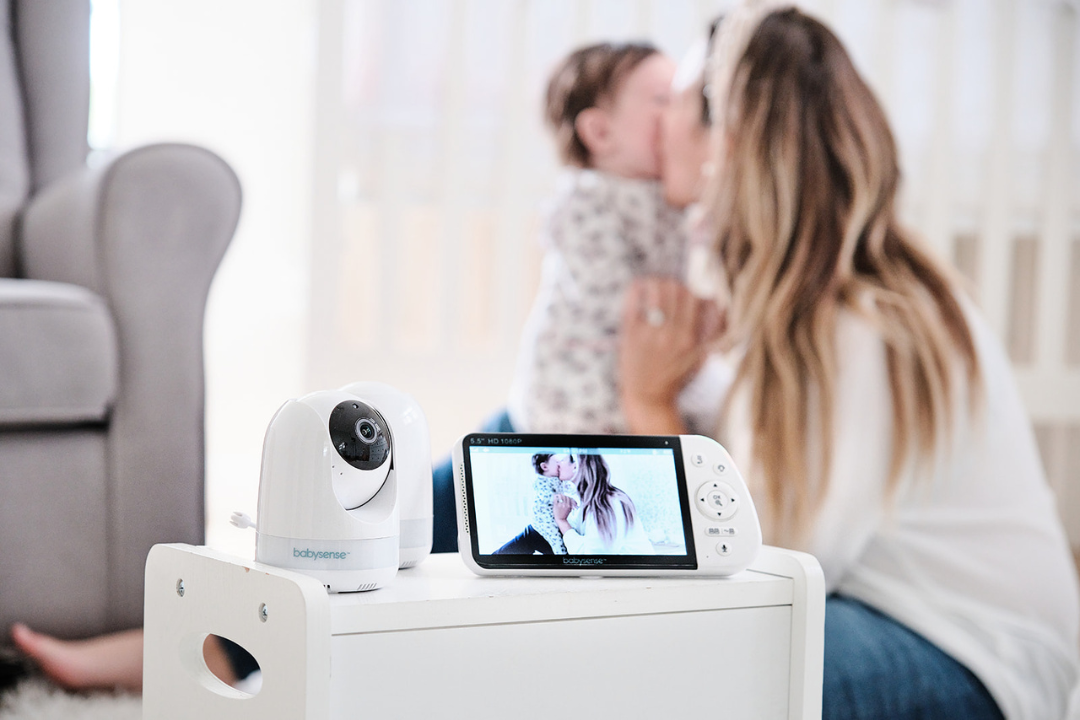
Support flow
A calm path from product concern to support review.
Warranty requests are easier to review when the information is organized. This page gives customers a simple structure for monitor support without making broad or absolute coverage promises.
Identify the product
Start with the product type, such as a video baby monitor, WiFi monitor, parent unit, nursery camera, mount, case, or charging cord.
Describe the issue
Explain what you are noticing with viewing, sound, charging, connection, screen behavior, camera placement, or accessory fit.
Share order information
Include the order name, purchase details, and any helpful product images so the support team can understand the request.
Wait for support guidance
BabyAura can review the information you provide and guide you toward the next appropriate support step.
Product support areas
Support for the parts families use every day.
Warranty support can involve the monitor screen, camera, audio function, charging setup, mounts, cases, and other baby monitor accessories. Each image area is stable and separated to avoid overlap.
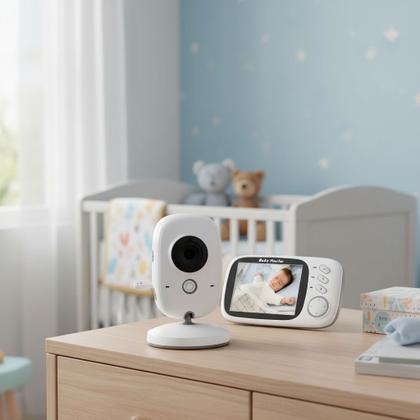
Nursery camera support
For camera-related questions, note the camera position, power setup, view angle, and what happens during use.
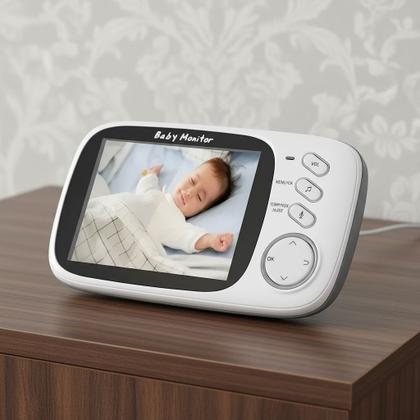
Screen and display support
For parent unit concerns, describe the screen behavior, audio status, charging condition, and when the issue appears.

Monitor system review
If the concern involves both camera and display, include notes about connection, power, room distance, and setup routine.
Before you contact us
A few details can make warranty support feel smoother.
Clear support requests help reduce back-and-forth. Before contacting BabyAura, gather product information, order details, and a simple description of what you are seeing with the monitor or accessory.
- Order name, purchase email, and any available product information.
- Monitor type, accessory type, or parent unit details related to the request.
- A short description of the issue and when it happens during normal use.
- Helpful photos of the monitor, camera, parent unit, charging cord, mount, case, or holder.
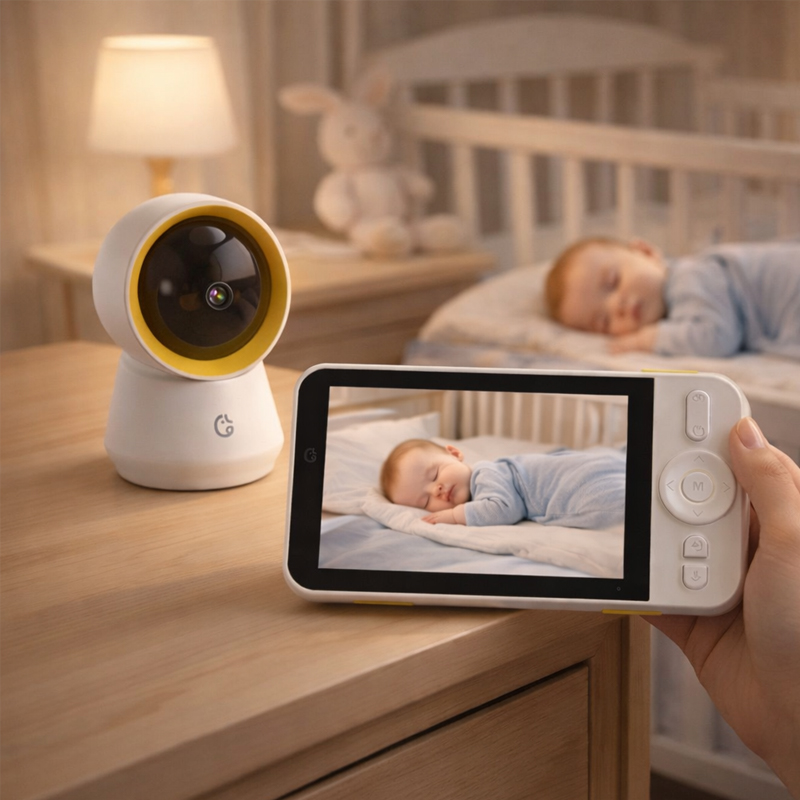
Support answers
Helpful notes before sending a warranty request.
Warranty support works best when the request is specific. These answers help customers prepare information for monitors, parent units, cameras, and accessories.
Include your order details, product type, a clear description of the issue, and any helpful photos of the monitor, camera, parent unit, charging cord, mount, case, or accessory.
Yes. You can contact BabyAura about baby monitor accessories such as charging cords, camera holders, monitor mounts, cases, and related setup items.
Contacting support starts a review based on the information provided. The next step depends on the product details and the nature of the request.
You can use the contact page, email info@babyaura.lat, or call 6303637007 for help with product support questions.
BabyAura support
Have a monitor concern? Start with clear details and contact BabyAura.
Our support path helps customers organize baby monitor, parent unit, nursery camera, charging cord, case, holder, and mount questions into a simple request.