

Two-Way Audio Tips
A gentle voice can make check-ins feel closer and calmer.
Two-way audio works best when it becomes part of a thoughtful routine: a short reassuring phrase, a calm tone, clear monitor placement, and a parent unit that stays easy to reach when the nursery is quiet.
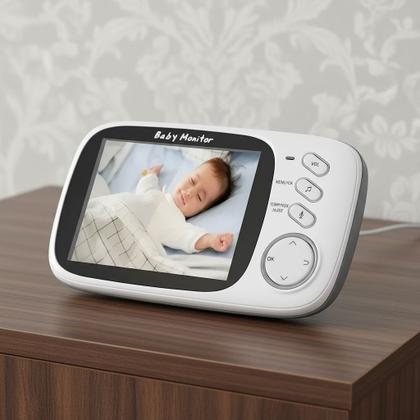
Audio routine basics
Four simple ways to make two-way audio feel more natural.
Two-way audio is most useful when caregivers keep it calm, brief, and consistent. These tips support everyday nursery monitoring without overpromising what any monitor feature can do.
Keep your message short
Use a few familiar words instead of a long conversation. A steady phrase can feel easier to recognize during a quiet routine.
Check volume before rest time
Before a nap or bedtime, review parent unit volume and sound sensitivity so audio feels clear but not disruptive.
Pause after speaking
Give the nursery a moment after using two-way audio. The goal is a calm check-in, not constant interruption.
Use audio with the camera view
Pair sound with a clear video view so caregivers can decide whether a voice check-in, room visit, or quiet wait makes sense.
Real monitor use
Audio tips grounded in the monitor setup families use.
Each image block uses baby monitor product or nursery monitoring visuals, with stable card sizing and cover-filled image frames to prevent overlap or blank image spaces.
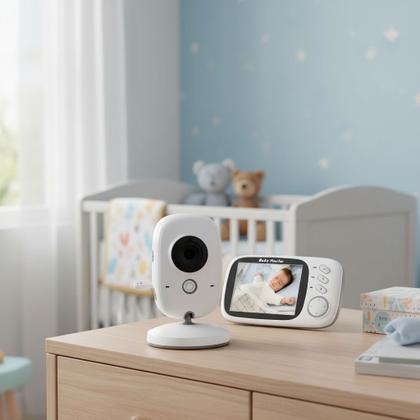
Start with the parent unit nearby
Keep the monitor display where you can quickly review sound, screen view, and the talk function during daily routines.
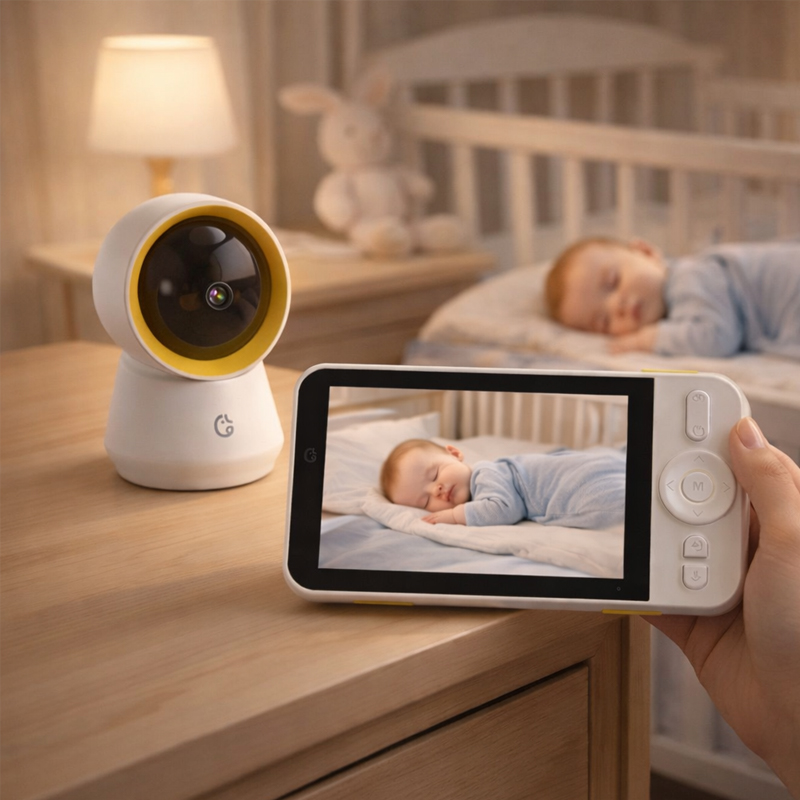
Let the camera view guide the response
A clear room view helps caregivers decide whether to use two-way audio or step into the nursery.

Keep camera and display working together
Two-way comfort feels smoother when the monitor system, charging setup, and parent unit location are organized.
Tone and timing
Use the talk feature as a small comfort cue, not constant noise.
Two-way audio can support a peaceful routine when caregivers keep the message familiar, the volume checked, and the monitor view clear. A calm voice should fit the moment, not replace thoughtful caregiver judgment.
- Choose one or two familiar phrases before bedtime so audio feels consistent.
- Check parent unit volume and microphone behavior before the room gets quiet.
- Use the video view and sound cues together before deciding how to respond.
- Keep chargers, cases, and parent unit accessories nearby for routine-ready use.
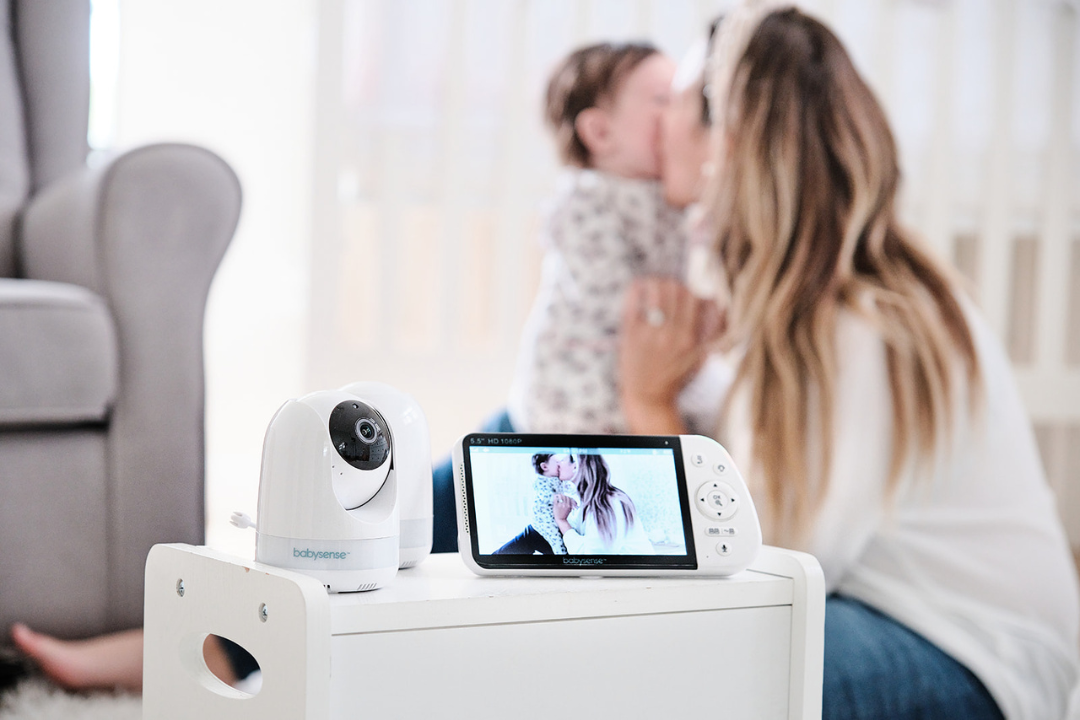
Audio answers
Helpful notes for using two-way audio with care.
Two-way audio tips should stay grounded in real monitor routines: parent unit settings, nursery camera placement, sound awareness, and calm caregiver response.
Two-way audio lets a caregiver speak through a compatible baby monitor setup, helping them offer a brief voice check-in from another room.
Keep it short, calm, and familiar. Check the room view first, use a gentle phrase when appropriate, then pause before deciding on the next step.
Placement can affect the overall experience. Keep the camera and monitor setup stable, clear, and organized so viewing and sound checks feel easier.
Yes. You can browse products, explore monitor types, or contact BabyAura with questions about video monitors, audio monitors, parent units, cameras, and accessories.
BabyAura audio care
Bring a familiar voice into the routine, softly and simply.
Explore smart baby monitors, video monitors, audio monitors, parent units, night vision options, charging cords, camera holders, monitor cases, and accessories for everyday nursery check-ins.