

How Baby Monitors Work
A simple guide to nursery monitoring.
A baby monitor helps caregivers see, hear, and check the nursery from another room. BabyAura focuses on clear viewing, reliable sound, two-way comfort, night visibility, and practical setup details that support calm family routines.
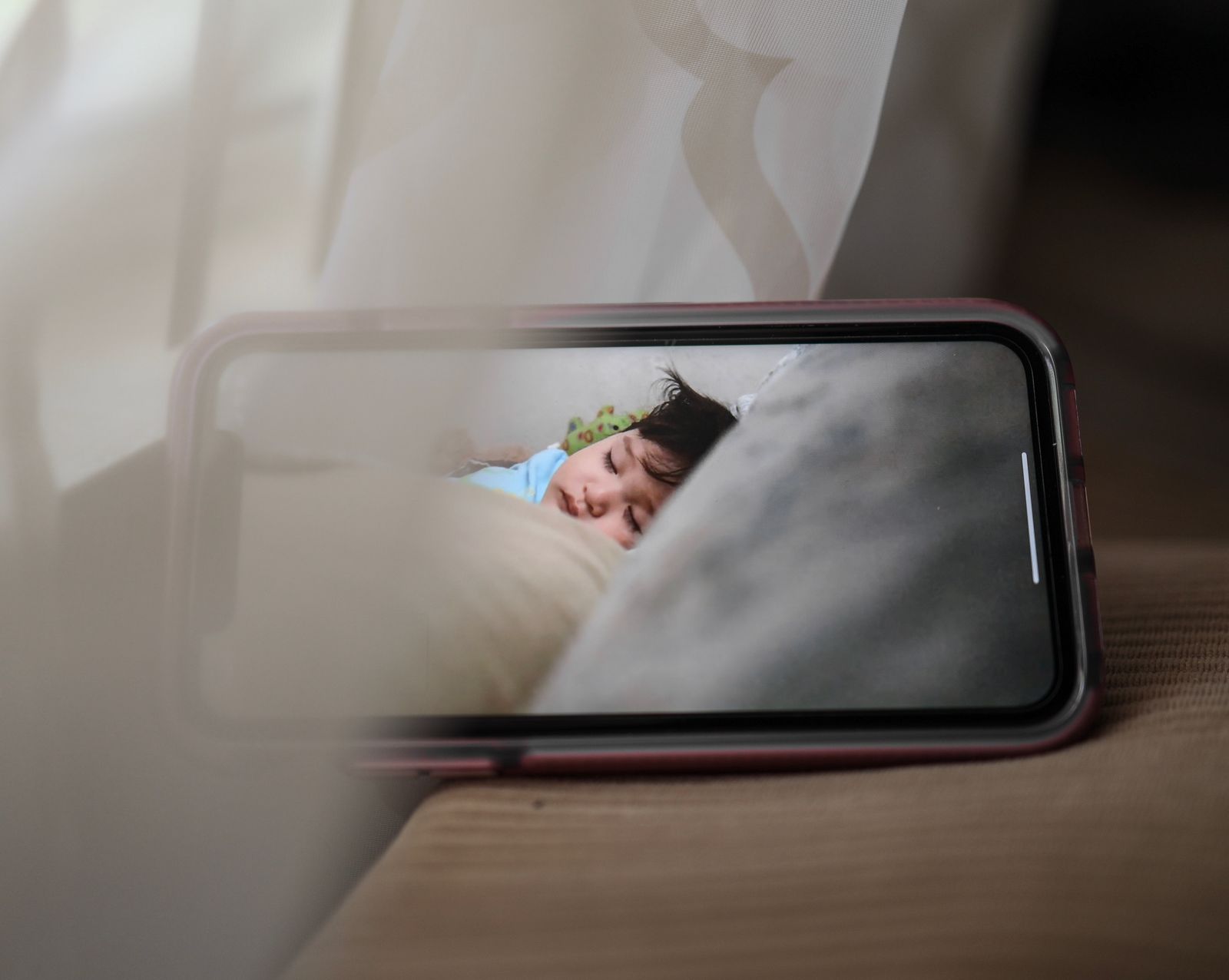
Most baby monitors work as a camera, microphone, and receiver working together.
The nursery unit collects video and audio from the room. The parent unit or connected viewing setup turns that signal into something caregivers can watch, hear, and respond to during bedtime, naps, and daily movement around the home.
The camera watches the nursery.
A video baby monitor uses a nursery camera to capture the sleep area, crib view, or room angle selected by the caregiver.
The microphone listens for sound.
Audio monitoring helps caregivers notice room sounds, waking cues, or changes that may need attention.
The receiver shows the moment.
A parent unit or connected viewing method presents the video, audio, and available controls in a simple caregiver-facing format.
Different monitor systems support different routines.
Some families want a dedicated parent unit. Others prefer app-based remote viewing, audio-only awareness, or a travel-friendly setup. The right monitor depends on how care moves through the home.
Video monitors
Use a nursery camera and screen to show the room, helping caregivers visually check position, movement, and sleep setting.
WiFi monitors
Use a connected viewing path for remote check-ins, shared care, or flexible movement when supported by the setup.
Audio monitors
Focus on room sound so caregivers can listen for meaningful cues without needing a full video screen.
Night vision monitors
Support low-light visibility for bedtime and overnight checks while helping keep the room atmosphere calm.
Placement, power, and sound shape how well the monitor works.
Even a strong monitor benefits from a thoughtful setup. Camera angle, cable routing, parent unit location, and accessory support all affect how easy the system is to use in real life.
Camera angle
A good angle helps the monitor show the crib or sleep zone without requiring repeated adjustment.
Signal path
The connection between the nursery unit and caregiver view should match the home layout and routine.
Parent unit access
Keep the screen or audio receiver where it can be checked quickly during naps and overnight care.
Accessory fit
Mounts, camera holders, monitor cases, and charging cords help make the setup more stable and organized.
Common questions about baby monitor function.
These notes explain everyday monitor terms in a simple way for families comparing smart baby monitors, nursery cameras, parent units, audio monitors, and accessories.
A baby monitor helps caregivers check the nursery from another room by sending video, audio, or both from the nursery unit to a parent unit or connected viewing setup.
A video monitor provides a visual view of the nursery along with sound when supported. An audio monitor focuses on listening for room sounds and care cues.
Night vision helps caregivers check the room in low light, supporting bedtime and overnight routines without needing to brighten the nursery.
Accessories such as mounts, holders, charging cords, and cases help with placement, power, storage, and travel protection, making the monitor easier to use consistently.
Choose a monitor that fits the way your family checks in.
Explore smart baby monitors, video monitors, WiFi monitors, audio monitors, night vision monitors, nursery cameras, parent units, two-way audio monitors, and BabyAura accessories designed for calm family care.