

Night Routine Tips
Calmer nights begin before the first monitor check.
A thoughtful night routine turns your baby monitor into a quiet support tool: clear camera placement, steady audio, gentle screen brightness, and small setup habits that help caregivers check in without disturbing the room.

Evening sequence
Four small monitor habits that make nights feel smoother.
Night routine support is built from simple preparation. These tips help your BabyAura setup stay useful once the nursery is quiet.
Start with a clean camera angle
Before bedtime, confirm the monitor camera shows the sleep area clearly. Keep the view practical, stable, and easy to understand at a glance.
Place cords with care
Use a stable surface, monitor mount, or camera holder when needed, and keep charging cords organized away from the crib or bassinet.
Set sound before sleep
Choose an audio level that helps you hear meaningful changes without making every soft nursery sound feel urgent.
Dim the parent unit
Keep the screen close enough to check quickly, but set brightness thoughtfully so nighttime monitoring stays soft and calm.
Before lights out
A better monitor check starts with a room that is already prepared.
Once the nursery is quiet, it is harder to adjust a camera, move a cord, or test audio. A short pre-bedtime monitor check can make the rest of the night easier for everyone.
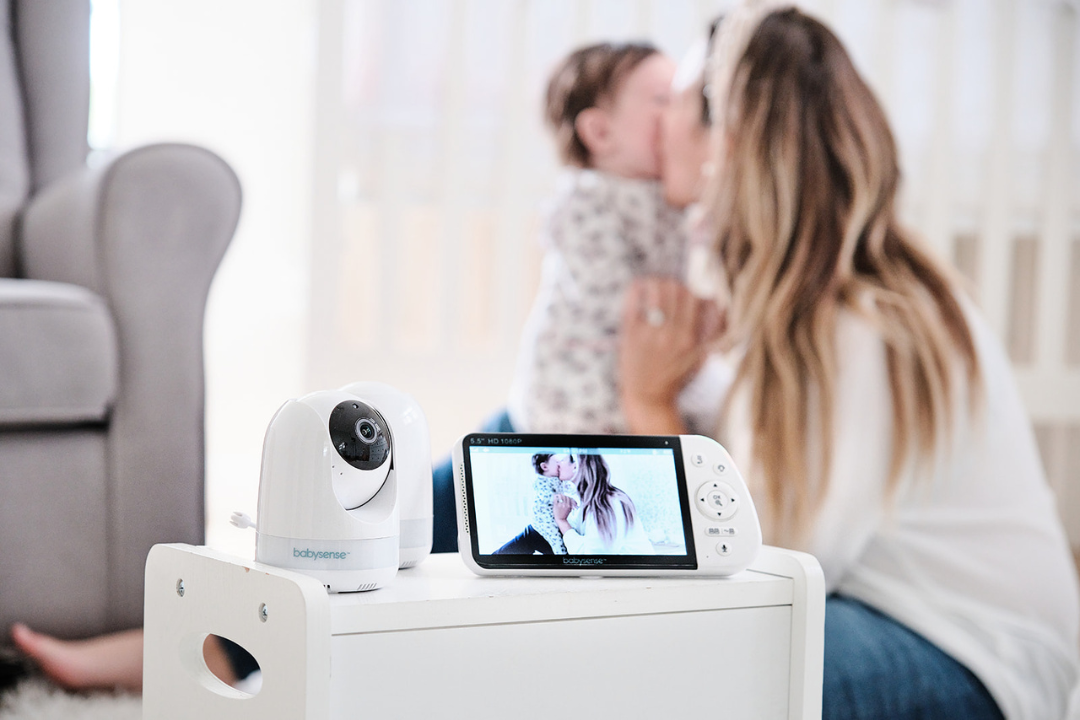
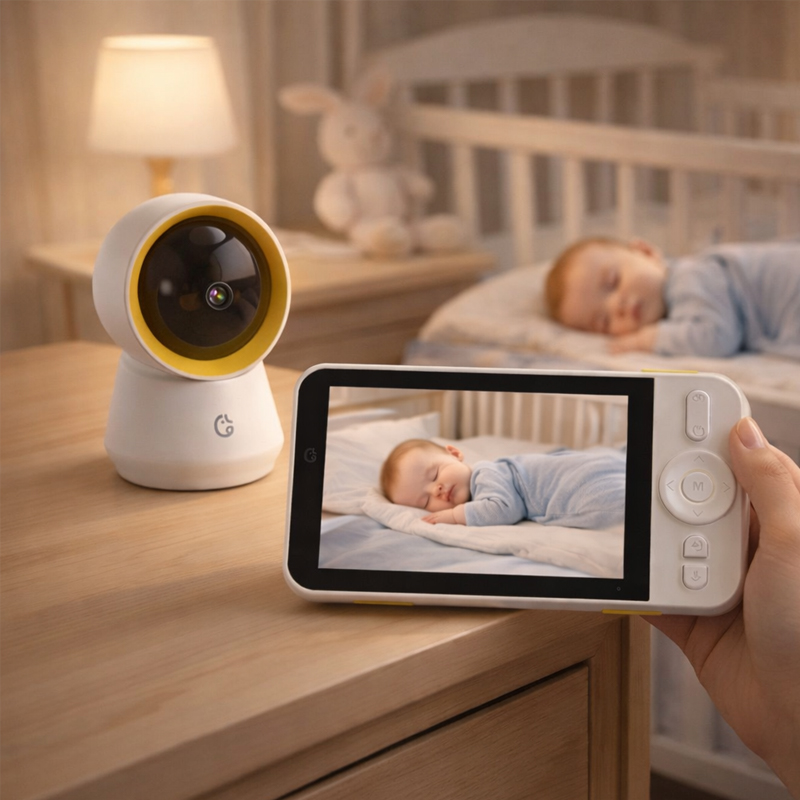
Room setup rhythm
Think in zones: sleep area, camera view, parent-unit glance.
A calm night setup does not need to feel complicated. Keep each part of the monitoring system in a clear role: baby rests in a safe sleep area, the camera frames the view, and the parent unit stays where caregivers can check without fuss.
Night support tools
Choose monitor features that support quieter care.
The right combination of video, audio, and accessories can help your night routine feel less reactive and more prepared.

Video baby monitors
Clear parent-unit viewing helps you check posture, movement, and room details before deciding whether to enter the nursery.
Two-way audio
Gentle voice support can help caregivers respond softly when a quick reassurance is more useful than entering the room.
Night vision checks
A night-ready view helps caregivers understand the room without turning on lights or disrupting a settling routine.
Accessories and placement
Camera holders, monitor mounts, charging cords, and cases help keep the nursery setup tidy and ready for nightly use.
Night routine FAQ
Helpful answers for softer overnight check-ins.
Use these tips as a practical starting point for setting up your BabyAura monitor around your family’s actual evening and overnight rhythm.
Check the camera angle, sound, parent-unit battery, and screen brightness before your baby settles. It is easier to adjust the setup while the room is still active.
Place the parent unit where it is easy to glance at and use a comfortable brightness level. Avoid pointing the screen directly toward the sleeping area when possible.
Camera holders, monitor mounts, charging cords, protective cases, and parent-unit stands can help keep the setup stable, organized, and easier to use overnight.
BabyAura shipping time is 3–5 business days. For product questions or setup help, contact info@babyaura.lat or call 6303637007.
Build a calmer night setup
Explore BabyAura monitors for clearer overnight care.
Browse smart baby monitors, video monitors, WiFi monitors, audio monitors, night vision monitors, parent units, nursery cameras, monitor mounts, charging cords, camera holders, protective cases, and night routine accessories.